
If you’re preparing for a government typing exam — SSC, RRB, CPCT, or a state-level clerical test — you’ve probably heard the same warning from seniors and coaching centers: “Practice without backspace.” On the real exam terminal, the backspace key is switched off completely. Once you type a character, it stays on the page whether it’s right or wrong, and there’s no way to go back and fix it.
This guide explains exactly what a no-backspace typing test means, which exams actually enforce it, why the rule exists, and how to train yourself to type forward under pressure — even when you’re practicing on a tool like LetsTypeCheck, where backspace is allowed for normal correction. The goal isn’t to disable a key; it’s to build the discipline, so the missing key never trips you up on exam day.
What Does “No Backspace” Mean in a Typing Test?
A no-backspace typing test is one where the keyboard’s correction tools are switched off at the software level. This isn’t limited to just the Backspace key — most exam terminals lock down several editing functions at once:
- Spell check and AutoCorrect are turned off, so nothing gets silently fixed for you
- Undo and Redo don’t work, so there’s no way to reverse a keystroke
- Cut, Copy, and Paste are blocked, so text can only be entered by typing it directly
- Arrow keys, Home, and End won’t move your cursor back into text you’ve already typed
- Backspace and Delete are disabled entirely, so a typed character can never be removed
Once a character is typed, it is locked in. Your cursor only ever moves forward, and there’s no way to revisit or edit anything you’ve already typed. This is very different from most free online typing tools, including LetsTypeCheck, where backspace works normally so you can correct mistakes as you go.
Which Exams Actually Disable Backspace?
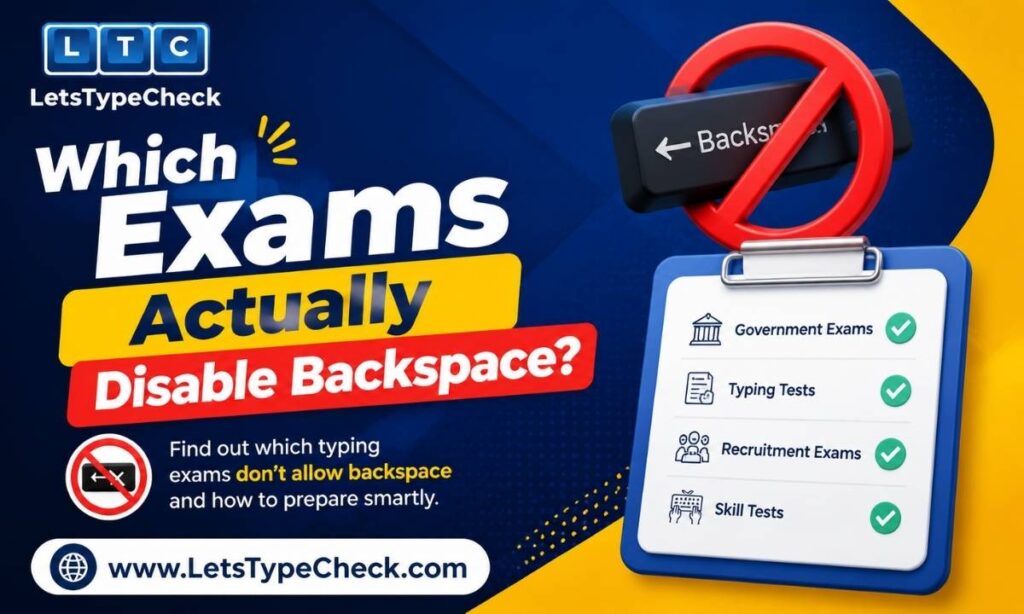
Backspace rules vary by exam and, in some cases, by exam center software. The table below summarizes how the most common Indian government exams handle it.
| Exam | Backspace Rule | Notes |
| SSC CHSL / CGL (DEST) | Disabled | Backspace, Delete, arrow keys, and Ctrl-based shortcuts are all switched off. |
| RRB NTPC | Disabled | Same restriction as SSC; arrow keys and editing tools also disabled. |
| CPCT (Madhya Pradesh) | Disabled | Backspace, arrow keys, Delete, Home, End, and Ctrl shortcuts are all disabled. |
| IBPS / Banking exams | Allowed (within current word) | Correction is possible but limited compared to a normal keyboard. |
| CRPF HCM and some state exams | Disabled | Backspace is switched off to simulate typewriter-style conditions. |
| DSSSB (LDC / JSA / Grade-IV) | Depends on mode | Some center software runs standard mode with backspace allowed; others run strict/disabled mode. Always confirm from your specific notification. |
Because the rule differs by exam, board, and sometimes by exam center, always confirm the exact policy from your official notification before test day. Don’t assume — a rule that applied last year’s cycle may have changed.
Note: backspace rules can also differ between English and Hindi/regional-language versions of the same exam, since some boards run separate software configurations for each language. If you’re preparing for a Hindi typing paper, verify the rule for that specific language track rather than assuming it matches the English test.
If you’re preparing for one of these specific exams, our dedicated guides cover the full speed and accuracy requirements:
Why Exams Disable Backspace in the First Place
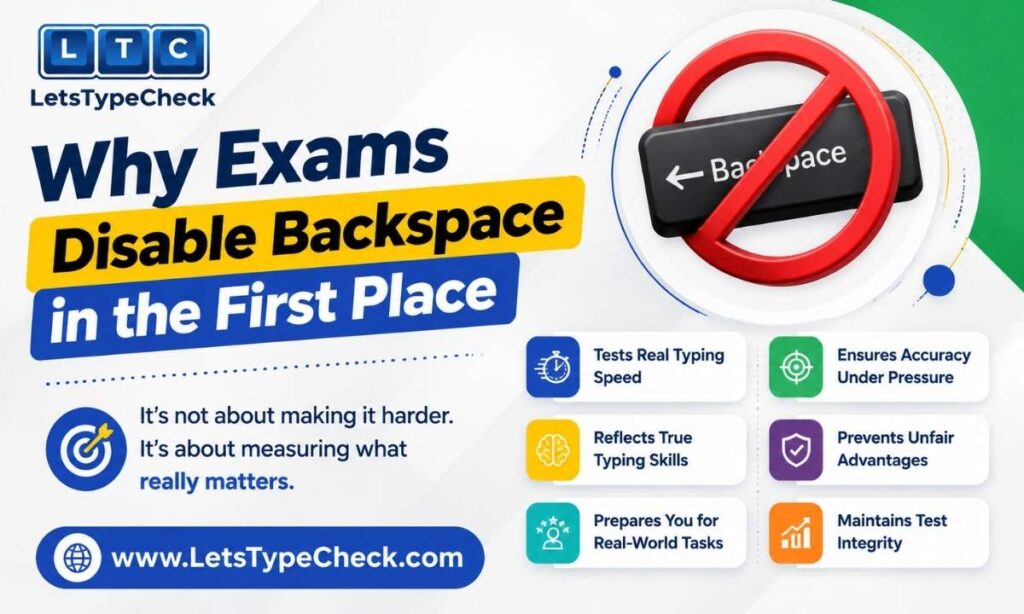
The no-backspace rule isn’t there to make the test harder for its own sake. It exists because typing exams for clerical and data-entry roles aren’t just testing how fast you can move your fingers — they’re testing how reliably you can produce accurate output under time pressure, without a safety net.
In a real data-entry job, a rushed correction habit doesn’t disappear just because the software allows it. Removing backspace forces a more honest measurement: a candidate who types 30 WPM cleanly on the first attempt is more useful to an employer than one who types 45 WPM but leans on constant corrections to get there. The no-backspace format rewards steady, accurate first-pass typing over speed alone.
The Habit That Trips Up Most First-Time Candidates: Phantom Backspacing
Almost every candidate who’s practiced on a normal, backspace-enabled tool experiences the same thing on their first no-backspace attempt: they see a mistake, their finger automatically reaches for backspace out of habit, and nothing happens. That half-second hesitation is small, but it adds up.
Each time this happens, you lose your typing rhythm — not just the fraction of a second spent pressing a key that does nothing, but the mental beat of noticing the error, reacting to it, and then re-finding your pace. Over the course of a full exam passage, this kind of rhythm loss can cost several words per minute off your final score, even though you never technically “used” the disabled key.
The only reliable fix is to break the reflex in practice, not on exam day. That means training yourself to notice an error and consciously let it go, rather than reacting to it at all.
How to Practice for a No-Backspace Exam (Even on a Tool That Allows Correction)
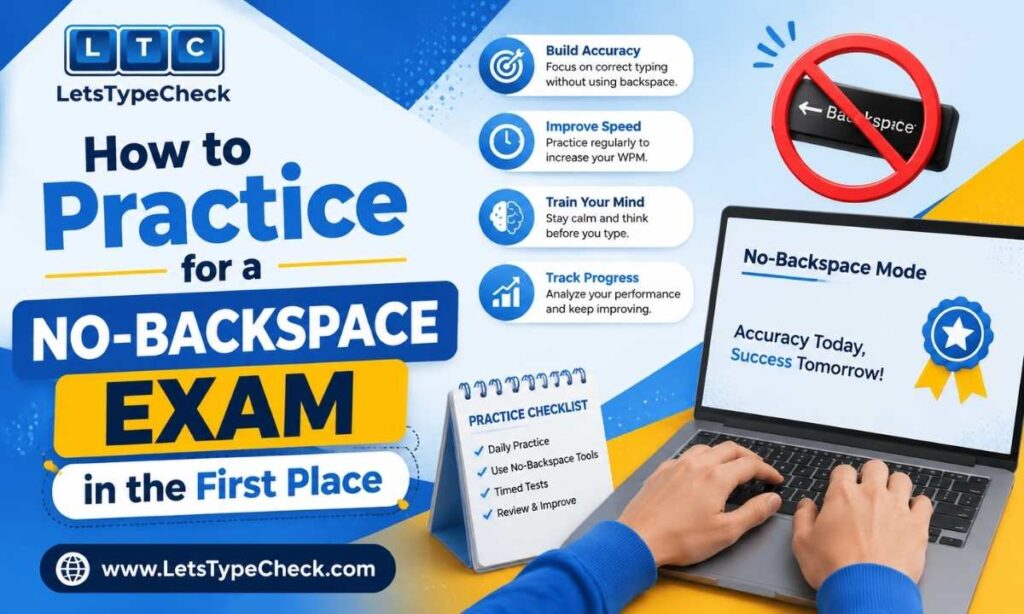
You don’t need a tool that physically disables backspace to build this discipline — you need a practice rule you hold yourself to. Here’s how to do it on LetsTypeCheck’s typing test:
- Pick a set duration and difficulty (Easy, Medium, or Hard) and commit to not pressing backspace for that entire session, even though the key works.
- When you see a red or incorrect character, keep typing forward immediately instead of pausing to look at it.
- Read a few words ahead of where you’re typing, rather than reading and typing the same word simultaneously — this reduces the errors you’d otherwise want to backspace over.
- After the test ends, check your Accuracy and Mistakes stats, not just your WPM. Under no-backspace exam rules, a clean pass on accuracy matters more than a fast but error-heavy result.
- Repeat this drill daily for one to two weeks before shifting into full exam-condition practice — most candidates see a noticeable accuracy improvement within that window.
Once the reflex to correct mistakes fades, move into difficulty-matched practice: start on Easy passages until you can sustain your target speed with minimal errors, then progress to Medium and Hard as your comfort with unfamiliar vocabulary and longer sentences improves.
For a full breakdown of what changes at each level, see our guide on the Hard Typing Test.
For a structured daily routine to build this habit, see our Typing Practice Exercises guide.
Gross WPM vs Net WPM Under No-Backspace Rules
Because you can’t fix mistakes mid-test on a real exam terminal, understanding how errors are scored becomes especially important. Most government exams calculate your Gross WPM first — your raw typing speed based on total characters typed — then apply a penalty for errors to arrive at your Net WPM, which is the number that actually determines a pass or fail.
A full mistake (a wrong word) and a half mistake (a small slip like a missed letter or extra space) are typically weighted differently, and the deduction can add up fast across a full passage. This is exactly why letting an error go, rather than losing rhythm reacting to it, is the better strategy: fixing your typing pace matters more than fixing any single character you can’t undo anyway.
For a full breakdown of how this scoring works, see our guide on Gross WPM vs Net WPM.
Common Mistakes When Practicing for No-Backspace Tests
- Only ever practicing on backspace-enabled tools, then being caught off guard by the real exam interface.
- Trying to “mentally correct” an error while still typing, which breaks focus on the next few words.
- Practicing at exam speed before accuracy is solid — this just reinforces the same errors at a faster pace.
- Ignoring half-mistakes (small slips) because they don’t feel like “real” errors — they still count against your Net WPM.
- Skipping passage-reading before typing, which increases the chances of errors you’d otherwise want to backspace over.
For a deeper look at fixing these patterns, see our guide on Common Typing Mistakes and Fixes.
Frequently Asked Questions
Does LetsTypeCheck’s typing test disable backspace?
No. Backspace works normally on LetsTypeCheck so you can correct mistakes as you type. To simulate exam conditions, practice by choosing not to use it during a session, even though the option is available.
Which government exams disable backspace?
SSC CHSL, SSC CGL (DEST), RRB NTPC, and CPCT all disable backspace along with several other editing keys. IBPS and banking exams generally allow limited correction. Always verify the current rule from your official exam notification.
How do I train myself not to use backspace?
Set a personal rule during practice sessions to never press backspace, even on tools where it works. Read a few words ahead as you type, and let errors go instead of pausing on them. Most candidates notice the reflex fading within one to two weeks of daily practice.
If I make a mistake and can’t fix it, does it count against me more than once?
Typically, a single uncorrected error counts once as a full or half mistake, depending on its type. The bigger risk isn’t the error itself — it’s the rhythm and time lost reacting to it, which can lower your overall WPM.
Is a no-backspace typing test harder than a normal one?
It feels harder at first because it removes a habit most typists rely on, but the skill it tests — accurate first-pass typing — is one you can build with focused practice. Candidates who train specifically for it often find the actual exam less stressful than expected.
Conclusion
A no-backspace typing test doesn’t require a special tool to prepare for — it requires a habit. Practice ignoring errors and typing forward, build accuracy first, and the discipline will carry over automatically when you sit for the real SSC.