
You finished a typing test; you have a number, and now you want to know what it actually says about you. The short answer: anything from 40 to 60 WPM is normal territory for an adult who types regularly, 60 to 80 is genuinely fast, and above 80 puts you in a small group of people who almost always trained deliberately to get there. Below 40 is not a problem in itself, but it usually means there’s an easy gain waiting.
The longer answer is that a WPM figure on its own is an incomplete measurement. The same person can score 52 WPM on a short easy passage and 41 WPM on a two-minute test full of unfamiliar vocabulary, and neither number is a lie. Accuracy, consistency across attempts, how long you’ve been typing, and what you actually use a keyboard for all change what your score means. This guide rates every range from 30 to 100 WPM, explains what each one looks like in daily use, and helps you decide which number is worth chasing next.
Typing Speed Chart: 30 to 100 WPM Rated
The ratings below are practical benchmarks, drawn from how typing speeds are commonly grouped by employers, typing tests, and training programs. They are a useful reference point, not an official standard. No governing body certifies what counts as “fast,” and different tests will place you in different bands.
| WPM | Rating | General Skill Level | What It Means in Practice |
| 30–39 | Below the adult average | Developing | Functional for casual use. Typing is still a conscious task rather than a background one. |
| 40–49 | Average | Average | Around the typical adult range. Fine for email, notes, and general computer work. |
| 50–59 | Above average | Above average | Noticeably quicker than most people around you. Comfortable for typing-heavy office roles. |
| 60–69 | Good to fast | Proficient | The common target for admin and support work. Rarely a bottleneck. |
| 70–79 | Fast | Proficient (upper end) | You type close to the pace you think. Almost always the result of touch typing. |
| 80–89 | Very fast | Advanced | Above what most jobs ask for, high-end transcription aside. Usually built deliberately. |
| 90–99 | Exceptional | Advanced | Uncommon outside of people who type for a living or practice as a hobby. |
| 100 | Elite | Expert | Sustaining triple digits with clean accuracy is a trained skill, not a casual result. |
Two notes before you use this chart. First, a rating band assumes reasonable accuracy. A 78 WPM score with a heavy error count is not really a proficient result. Second, these ten-point bands are a finer grain than the broader beginner-to-expert tiers in our guide to what counts as a good typing speed; the skill-level column maps onto those same tiers rather than replacing them.
Is Your Typing Speed Good? WPM Benchmarks Explained
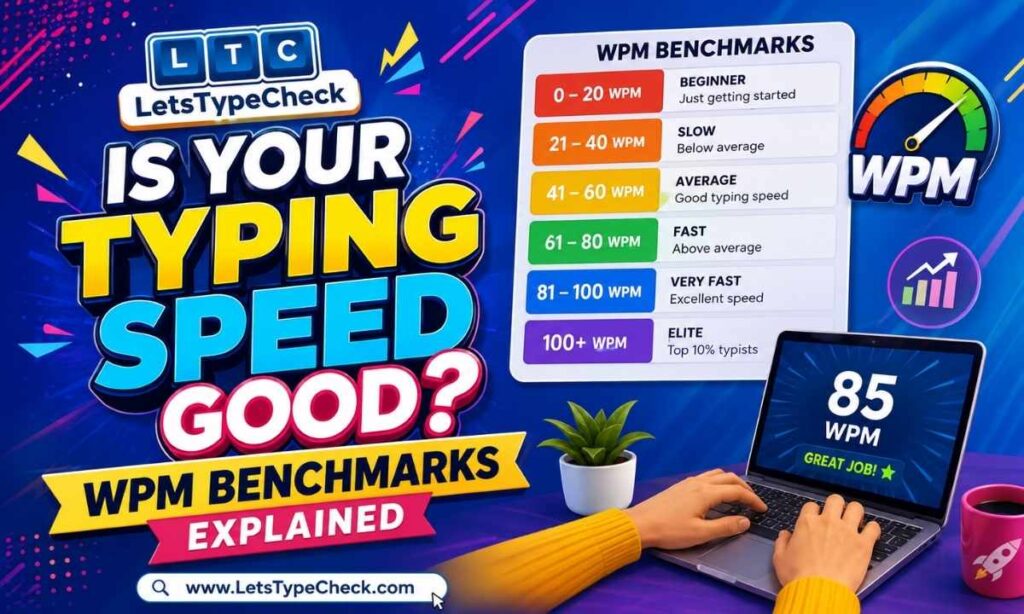
Here’s what each major benchmark means once you look past the label.
Is 30 WPM Good?
30 WPM is below the typical adult average, but it is entirely workable for everyday computing. At this speed, you can write emails, fill forms, and take notes without much friction, though longer documents start to feel slow.
This is a very common landing spot for people who type with a few fingers and glance at the keyboard. That’s the useful diagnosis: 30 WPM is rarely a limit of ability; it’s usually a limit of technique. It’s also worth knowing that 30 WPM clears the minimum for some structured typing requirements, including certain Indian government exam standards, where the bar is set around 30 net WPM rather than 60. If your score sits here and you switch to proper touch typing, the jump to 45 to 50 WPM tends to come faster than people expect.
Is 40 WPM Good?
40 WPM is average. It’s the figure most often quoted as the typical adult typing speed, which makes it a perfectly reasonable place to be and a slightly awkward one to evaluate, because it’s neither slow nor a selling point.
For everyday use, it’s more than enough. For jobs where typing is the work rather than a side effect of the work, it sits at the floor rather than the target. We cover the full picture in a dedicated breakdown of whether 40 WPM is good, including how it compares by job, age, and exam requirement.
Is 50 WPM Good?
Yes. 50 WPM is above average, and most people who reach it have picked up some touch typing habit even if they never formally learned one. A 500-word document takes roughly ten minutes of pure typing at this pace, which is quick enough that for most office, student, and general professional work there’s no particular need to push further unless you want to.
Is 60 WPM Good?
60 WPM is a good-to-fast typing speed and the most commonly cited “target” number in job postings and typing goals. It’s the point where typing stops being something you notice yourself doing.
Why does 60 come up so often? Partly because it’s a round number, and partly because it’s roughly the level where sustained typing work stops costing extra time. It’s a realistic goal for almost anyone with consistent practice rather than a talent threshold, which is why we have a full guide on reaching 60 WPM. For evaluation purposes: if you’re at 60 with solid accuracy, you’re doing well.
Is 70 WPM Good?
70 WPM is fast, and more than enough for essentially any standard office, writing, or administrative role. The distinguishing feature at this level is not raw finger speed but flow: typists here rarely stop to hunt for a key or re-read what they’ve just written. What usually separates 70 from 60 is fewer hesitations, not faster individual keystrokes.
Is 80 WPM Good?
80 WPM is very fast and above what most jobs ask for, with high-end transcription the main exception. If you score here, speed is rarely the thing worth working on.
Reaching 80 usually means someone practiced with intent at some stage, whether through formal typing lessons, years of high-volume writing, or gaming and chat habits from a young age. The realistic question at this level isn’t how to go faster; it’s whether your accuracy holds at this pace. An 80 WPM score with 90% accuracy is a less useful result than a 68 WPM score at 98%, because the errors have to be found and fixed afterward.
Is 90 WPM Good?
90 WPM is exceptional. Very few people reach this without either typing for a living or treating typing speed as a hobby in its own right.
At this point you’re mostly competing with yourself. Gains stop coming from general practice and start coming from targeted work on specific weak spots: awkward letter pairs, number rows, punctuation-heavy passages, or maintaining the pace past the two-minute mark instead of only in short bursts. Consistency, not peak speed, is the real measure at this level.
Is 100 WPM Good?
100 WPM is elite territory for everyday typists. Sustaining three digits with high accuracy across a full-length test is a trained skill.
It’s worth separating two things that often get confused here. Hitting 100 WPM in a short burst on familiar, simple text is meaningfully easier than holding 100 WPM through a longer passage with unusual vocabulary and punctuation. If you’ve hit 100 once, try repeating it three times in a row on a harder passage before treating it as your real speed. Outside specialist transcription work, no ordinary job asks for it either. It’s an achievement rather than a prerequisite.
What Makes a Typing Speed “Good”?
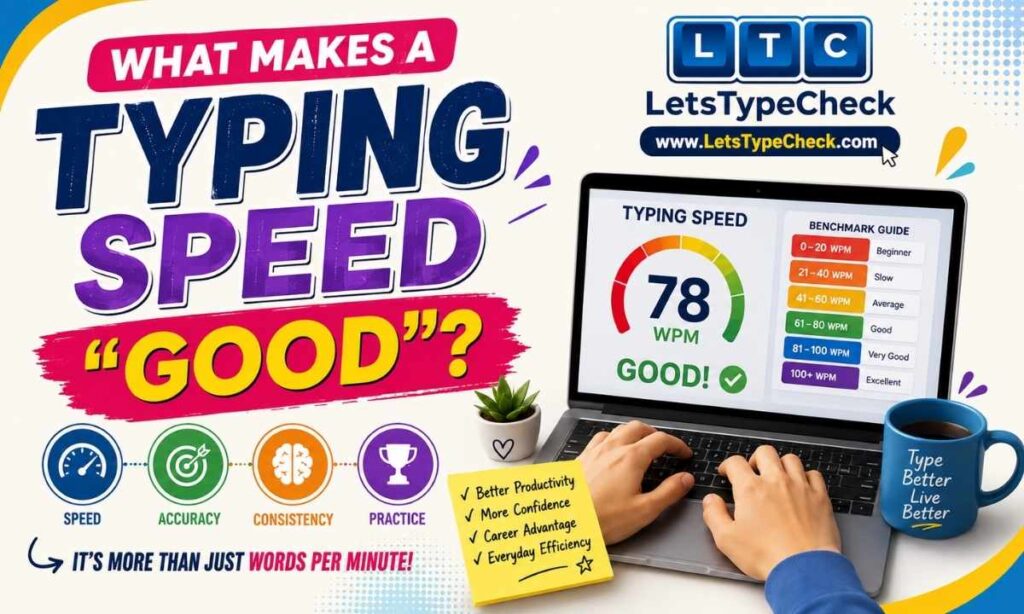
A single number can’t answer this on its own. Six things decide whether your score is good for you.
Speed. The headline figure, and the least interesting one in isolation.
Accuracy. Your error rate is what turns raw speed into usable output. A test that shows 65 WPM with a dozen uncorrected mistakes in a two-minute run is describing a rougher typist than the number suggests.
Consistency. One good score is a data point. Three similar scores across different days and passages are a speed. If your results swing between 45 and 65 WPM, your working speed is nearer the bottom of that range than the top.
Experience. 45 WPM after three weeks of practice is a strong trajectory. 45 WPM after fifteen years of daily computer use suggests a technique issue that more hours alone won’t fix.
The task. Copy-typing clean prose, drafting original writing, entering invoice numbers, and writing code all place different demands on the same hands. Someone who types 75 WPM on a paragraph might drop to half that on a page of alphanumeric codes.
Your own goal. If you type a handful of emails a day, 45 WPM costs you nothing. If you’re preparing for a role with a stated speed requirement, the requirement decides the answer, not the chart.
How Does Your WPM Compare With Other Typists?
Typing speeds are usually described in broad tiers. These are conventions rather than a standardized scale, and different tests draw the lines in different places, but the bands used across this site are:
- Beginner: under 25 WPM. Typing is still deliberate, and keyboard-watching is common.
- Average: 25 to 45 WPM. Where a large share of self-taught adult typists sit.
- Above average: 46 to 60 WPM. Faster than most colleagues in a typical office.
- Proficient: 61 to 80 WPM. Consistent touch typing with few hesitations.
- Advanced: 81 to 100 WPM. Usually the product of deliberate training or very high typing volume.
- Expert: above 100 WPM.
Comparison gets more useful when you narrow it. Speed varies substantially with age and typing exposure, and a score that’s unremarkable for a 25-year-old office worker may be excellent for a twelve-year-old. Our chart of average typing speed by age is a closer reference point than a general benchmark.
One more caution: the same typist can produce quite different scores depending on the test. Duration matters, since a 30-second burst usually reads higher than a five-minute average. Text difficulty matters, and so do language, keyboard layout, whether backspace is allowed, and simply how awake you are. Compare your results across similar conditions before concluding a difference of a few WPM.
Is Typing Accuracy More Important Than Speed?
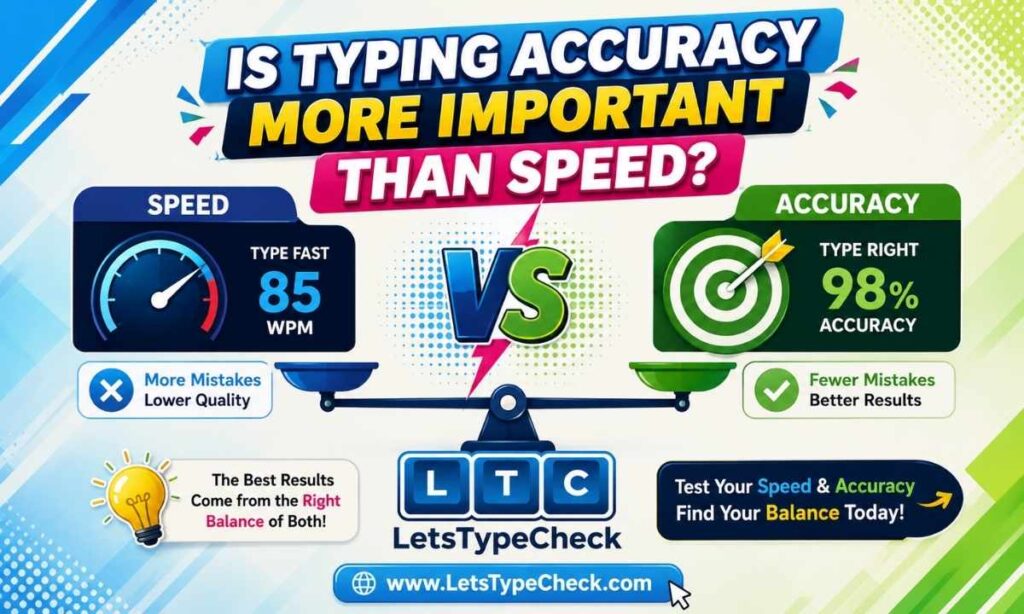
Neither one wins outright, but accuracy is the more commonly underrated of the two, and it changes what your speed number actually means.
Raw speed can be misleading because most people’s error rate rises as they push their pace. If you type 15% faster and your mistakes triple, the finished text takes longer to produce, because every error costs the time to spot it, delete it, and retype it. That correction time doesn’t always show up in your test result, but it shows up in real work.
This is the difference between gross and net WPM. Gross WPM counts everything you typed. Net WPM subtracts a penalty for errors, which is why employers and exams almost always score the net figure. If your test shows a big gap between the two, speed isn’t your limiting factor. Our guide to gross WPM vs. net WPM covers exactly how the penalty is calculated.
That’s also why a slower, cleaner typist can outperform a faster, sloppier one on a real task: the clean typist’s first draft is closer to finished. If your accuracy is sitting below 95%, working on typing accuracy will improve your effective output more than any attempt to raise your WPM.
Is a Faster Typing Speed Always Better?
No. Past a certain point, extra speed buys very little.
A workable way to think about it: speed plus accuracy plus consistency is what adds up to useful typing performance, and the weakest of the three sets your real ceiling. Going from 35 to 55 WPM makes a visible difference to how long documents take. Going from 75 to 95 WPM rarely changes anything about your workday, because at that point you’re limited by how fast you can decide what to write.
The trade-off worth avoiding is sacrificing accuracy to inflate a score. It’s easy to gain a few WPM by typing at the edge of control, and the number looks better while the output gets worse. A speed you can hold cleanly, repeatedly, and without tension in your hands is more valuable than a personal best you hit once.
What Is a Good Typing Speed for Different Tasks?
Requirements vary widely between employers and industries, so treat these as reasonable expectations rather than fixed rules.
Students and Schoolwork
For essays, notes, and assignments, 35 to 45 WPM is generally sufficient, and anything above 50 is a real advantage during timed exams or fast-paced lectures. What matters more than speed at this stage is building correct technique early, since habits formed now are harder to undo later.
Office and Administrative Work
Most general office roles function fine at 40 to 50 WPM, while typing-heavy admin, scheduling, and customer support work tends to expect 50 to 65 WPM. Some employers test formally, and some never mention it. Our guide to the typing test for jobs covers how the requirement varies by role.
Writing and Content Creation
Writers rarely need high speed, because drafting is the slow part of the job rather than keying. Anything from 50 WPM upward keeps typing out of the way. The exception is transcribing interviews or working from notes, where the text already exists, and your speed does directly change how long the work takes.
Data Entry
This is where speed requirements get specific, and where accuracy standards are strictest. Employers often specify both a speed figure and an accuracy floor, and some measure keystrokes per hour rather than WPM. The details differ enough between roles that we cover them separately in our guide to typing speed for data entry jobs.
Programming
There is no standard requirement here, and a prose typing test is a poor predictor of how quickly you actually write code. Symbols, brackets, and the number row are where developers lose time, and those barely appear in a normal test passage. If you want a realistic read on your coding speed, judge it by how often you look down for a bracket rather than by your WPM score.
Transcription
Transcription is the clearest case where speed genuinely limits your earnings, since your output is tied directly to hours worked. Professional transcription generally starts around 60 WPM and rises well beyond that for specialist legal and medical work, always with very high accuracy. Holding the pace for long stretches matters more here than a strong short-burst score.
How to Check Your Typing Speed
Getting a number you can trust takes about five minutes.
- Take a properly timed test rather than estimating. A one-minute run is a quick read on your current pace, while a two-minute run gives a more realistic figure because it accounts for fatigue and concentration slips.
- Record your WPM.
- Record your accuracy in the same session. Without it, the WPM figure is only half a result.
- Compare both against the chart above, keeping in mind the difficulty setting you used.
- Repeat two or three times across different days before treating any score as your baseline. Single results are noisy.
If you want to run it now, our free typing test reports your speed, accuracy, and mistake count together so you can judge all three at once.
What Should You Do If Your WPM Is Below Your Goal?
The right next step depends on where you’re starting.
Below 40 WPM. Fix technique before chasing speed. Learning proper finger placement is the single largest available gain at this level, and our guide to touch typing for beginners is the place to start. Expect your speed to dip briefly before it climbs.
40 to 60 WPM. You have the fundamentals, so the gains now come from volume plus attention to which particular letter combinations trip you up. This is the range where most people stall, usually because they practice what they can already do well.
60 to 80 WPM. Progress slows and becomes about consistency. Work on holding your pace through longer passages and harder text rather than optimizing short bursts. Cutting hesitations matters more than moving fingers faster.
80 to 100 WPM. Target weak spots specifically: numbers, punctuation, capitalization, and unfamiliar vocabulary. General practice at this level mostly reinforces what you already do well.
Above 100 WPM. You’re refining, not improving in any broad sense. Accuracy under pressure and endurance across long passages are the remaining variables.
At every level, the same principle applies: accuracy first, then consistency, then speed. Deliberate practice on the things you get wrong beats volume. A structured routine of typing practice exercises will do more than repeating the same test, and our tips on how to type faster cover the habits that actually move the number.
Frequently Asked Questions About Typing Speed
Is 30 WPM good?
It’s below the typical adult average but fine for casual use. It usually signals a technique gap rather than a limit, so it’s one of the easiest scores to improve.
Is 40 WPM good?
It’s average. Comfortable for everyday typing, and at the minimum end for jobs where typing volume is high.
Is 50 WPM fast?
It’s above average rather than fast. Quicker than most people, but short of what’s usually described as a fast typing speed.
Is 60 WPM a good typing speed?
Yes. 60 WPM is a good-to-fast speed and the most commonly cited target for typing-heavy roles.
Is 70 WPM considered fast?
Yes. At 70 WPM, you’re typing faster than most people around you, and it’s more than sufficient for standard professional work.
Is 80 WPM excellent?
It’s very fast and exceeds what nearly every job requires. Whether it’s excellent depends on whether your accuracy holds at that pace.
Is 90 WPM a good typing speed?
It’s exceptional. Very few people reach it without deliberate practice or a job that involves constant typing.
Is 100 WPM considered elite?
For everyday typists, yes. Competitive typists go considerably higher, but 100 WPM sustained with clean accuracy is a trained result rather than a casual one.
What WPM should I aim for?
If you’re below 40, aim for 50. If you’re between 40 and 60, aim for 65 to 70. Above that, aim for consistency and accuracy rather than a higher number, unless a specific job or exam requirement tells you otherwise.
Final Verdict: What Is a Good Typing Speed?
There’s no single WPM that’s good for everyone, but the ranges hold up well as a guide. Below 40 is workable and usually improvable. 40 to 60 is normal and sufficient for most work. 60 to 80 is fast and clears essentially any standard requirement. Above 80 is a genuine achievement that few roles actually ask for.
What separates a good score from a merely high one is whether you can repeat it cleanly. A steady 58 WPM at 98% accuracy is a better working speed than an unrepeatable 72 WPM with a scattering of errors. If you want a broader view of how these numbers map onto specific jobs, ages, and exams, our breakdown of WPM benchmarks by job, age, and exam goes deeper on each.
The most useful thing you can do next is get an accurate baseline. Run a timed test, note your speed and your accuracy together, then find your range in the chart above and decide whether the number is worth changing.