
A no-punctuation typing test is a timed typing speed test built from text that has been stripped back to words and spaces alone. Nothing in the passage asks you to close a sentence, mark a pause, or reach for a symbol. You type for a fixed duration, and the test reports your words per minute and accuracy exactly as a standard test would. The difference is what the score describes: finger speed on its own, without the shift-key reaches and split-second decisions that punctuation adds to every line.
That makes it more useful as a diagnostic than as a replacement for ordinary practice. If your speed climbs sharply the moment punctuation disappears, you have found something specific and fixable. This guide covers how these tests work, what the score does and does not tell you, and how to use plain-text drills without letting them flatter your results.
What Is a No Punctuation Typing Test?
A no punctuation typing test is a typing exercise built from plain text — lowercase words separated by single spaces, with every punctuation mark stripped out. You will also see it called a typing test without punctuation, a punctuation-free typing test, a plain text typing test, or simply a words mode on tools that offer it as a setting.
Here is what a typical punctuation-free passage leaves out:
- Sentence endings — full stops, question marks, exclamation marks
- Mid-sentence breaks — commas, semicolons, colons
- Paired marks — quotation marks, brackets, apostrophes
- Joiners and separators — hyphens, dashes, slashes
- Capital letters, on most implementations
What stays is everything that measures the mechanical side of typing: the words, the spacebar, the timer, and the two numbers that matter most. The technique itself does not change — one category of keystroke simply disappears.
How a Punctuation-Free Typing Test Works
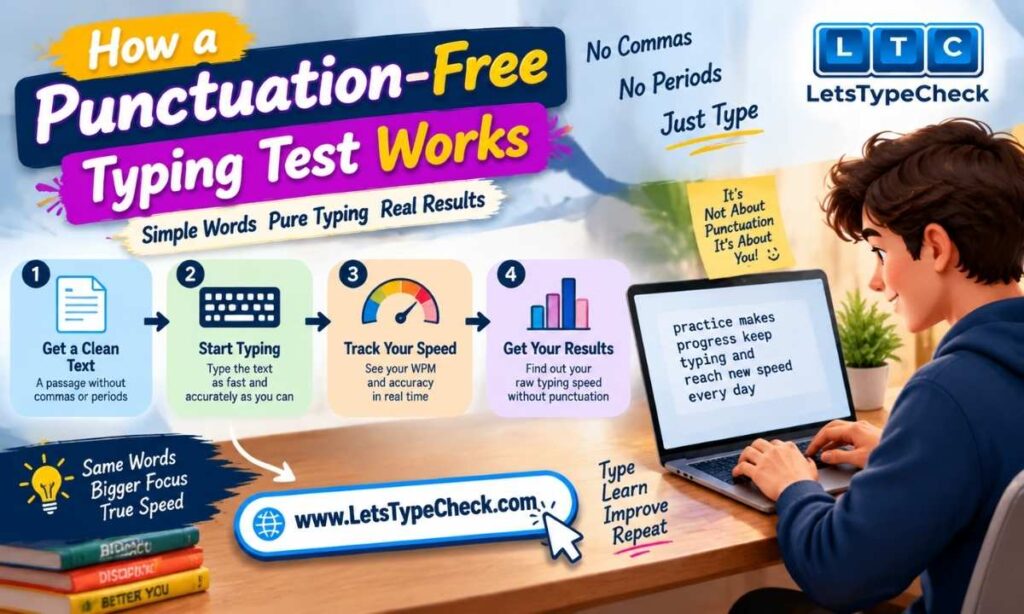
The mechanics are identical to any other timed test. You choose a duration, a passage of plain words appears, and the clock starts on your first keystroke. Characters are checked as you type, and results appear when the timer ends.
Speed calculation. Typing tests treat five characters, including the space, as one word, so long and short words count fairly. Type 240 correct characters in a 60-second test and that is 48 WPM. The full WPM formula and where the five-character rule came from is worth understanding before you compare scores across different tools, because not every site counts errors the same way.
Accuracy calculation. Typing accuracy is the share of keystrokes that landed correctly — 300 characters with 9 wrong finishes at 97 percent. Plain passages hold fewer awkward keystrokes, so this figure tends to sit above your usual one.
Errors and corrections. Most online tools, including this one, let you backspace and fix an error, so a correction costs time rather than accuracy. Some exam terminals restrict or block corrections, and the rules differ by recruitment board, so check your own notification. Where corrections are blocked, practising under no-backspace conditions changes how you type far more than removing punctuation does.
Why Practice Typing Without Punctuation?
The main reason is isolation. Punctuation-free text removes the interruptions from your typing so you can work on the part that is pure motor skill.
- It builds rhythm. Punctuation forces a stop-start pattern of reach, shift, space, resume. Plain words let you settle into the even cadence that fast typing is built on.
- It frees up attention. With no formatting decisions to make, you can spend that attention on keeping your fingers anchored and your eyes off the keyboard, which is how muscle memory gets built in the first place.
- It gives a more consistent benchmark. Two standard tests of the same length can hand you different scores purely because one passage carried more marks than the other. Strip them out, and the only variable left is you.
- It lowers the barrier for beginners. Someone still building basic keyboard familiarity does not need shift combinations on top of it. A first typing test built for beginners goes better when the text is simple.
The trade-off is straightforward: a plain-text drill never teaches you to type the punctuation you actually need in emails, documents, or exams. It is a training format, not a finishing one.
No Punctuation Typing Test vs a Regular Typing Test
The two share a scoring system but answer different questions. A standard test tells you how fast you handle real writing; a punctuation-free one tells you how fast your fingers move when nothing gets in the way.
| No punctuation test | Standard typing test | |
| Characters used | Letters and spaces only | Letters, spaces, punctuation, capitals, sometimes numbers |
| Shift key | Rarely or never needed | Used constantly |
| What it measures | Raw finger speed and rhythm | Practical typing speed on real text |
| Mental load | Lower — no formatting decisions | Higher — spacing and symbol choices matter |
| Typical WPM | Usually your highest score | Usually lower than your plain-text score |
| Best used for | Warm-ups, rhythm drills, diagnosing a weakness | Benchmarking, job tests, exam preparation |
How to Read Your Score From a Punctuation-Free Test
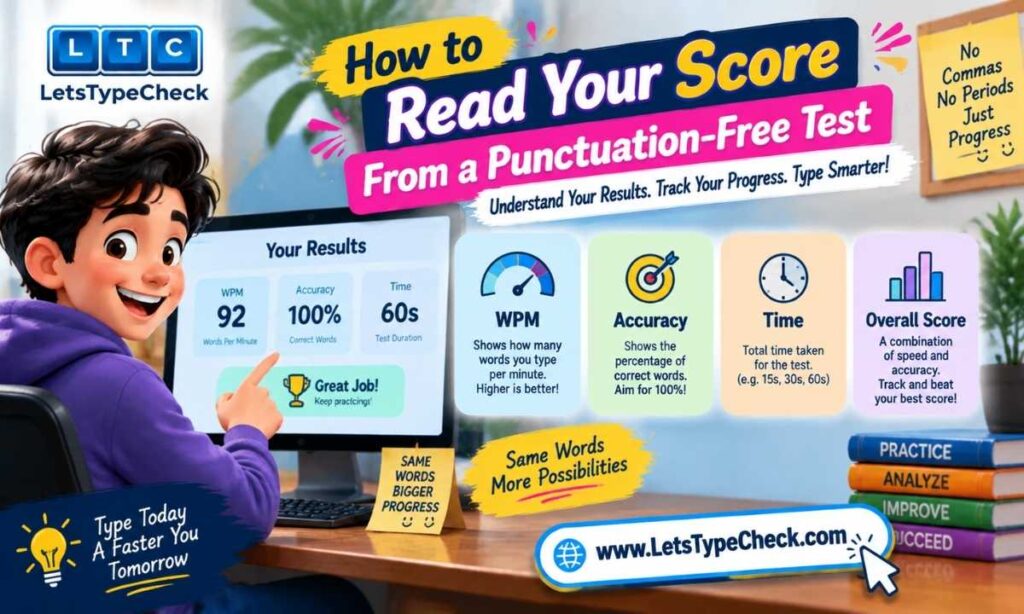
Treat your punctuation-free WPM as a ceiling rather than a working speed. It shows what your hands can do under the easiest conditions — useful, but not the number to quote on a job application or measure against exam requirements.
Almost every recognised benchmark assumes normal text. Employer screening tests and government typing exams use punctuated passages, and many treat spacing around the marks as a scoring rule in its own right. Check your target against the speed benchmarks that apply to standard passages, and for exam preparation use the formats those exams actually use.
The more interesting number is the gap. Take two tests of the same length on the same day, one plain and one normal:
- A small gap means punctuation is not what is holding you back. Work on general speed and consistency instead.
- A large gap points at the shift key, the symbol row, and the pauses around them — a narrow problem with a narrow fix.
- A gap in accuracy rather than speed usually means you are reaching for punctuation with the wrong finger.
Gap sizes vary widely, so there is no standard figure to chase. What matters is whether yours narrows with practice.
How to Improve Your Score
Improvement comes from the same fundamentals as anywhere else, with one difference: easier text hides sloppy habits.
- Type by feel, not by sight. Eyes on the screen, fingers on the home row — that is touch typing, and it is the change with the biggest long-term payoff. If you have never trained it formally, work through touch typing from the ground up.
- Fix your finger assignments first. Wrong fingers on the wrong keys cap your speed no matter how much you practise. Correct home row finger placement deserves a dedicated session.
- Aim for an even cadence. Bursts followed by stalls score worse than steady, moderate typing, and that consistency is what carries over to longer passages. Plain text is the ideal place to build it, since nothing forces a pause.
- Slow down until the errors stop. Type at the pace where accuracy holds, stay there for a few sessions, then push slightly. Speed built on a clean base sticks.
- Break the backspace reflex. A correction costs two keystrokes plus the hesitation before it. Some are worth making; many are not.
- Practise briefly and often. Ten focused minutes a day beats one long weekly session. A structured daily practice routine removes the guesswork.
On this site, the test runs up to two minutes, with Easy, Medium and Hard settings that vary vocabulary and sentence complexity rather than punctuation. Easy, built from shorter and more common words, is the closest built-in equivalent to plain-text practice, and the results panel separates WPM, accuracy, and mistakes so you can see which one moved.
Speed or Accuracy: Which Should You Fix First?
Accuracy first in almost every case — though not because errors are automatically more costly than slowness. It is because accuracy is the more stable foundation.
The arithmetic is worth seeing honestly. A typist at 70 WPM and 92 percent accuracy produces around 140 words in two minutes, roughly 11 of them wrong; one at 62 WPM and 99 percent produces about 124 words with a single error. On raw output, the faster typist is ahead. What tips the balance is what that figure leaves out: errors caught later cost more to repair than they saved, and many employer and exam standards disqualify anyone below an accuracy threshold regardless of speed. Those two ways of counting are what gross and net WPM describe.
Speed gained carelessly also collapses as soon as the text gets harder, while accuracy trained deliberately survives the move to punctuation, numbers, and unfamiliar vocabulary. Around 97 percent is a fair target on plain text — above the 95 percent commonly asked for on punctuated exam passages, because this text is easier.
Common Mistakes in Punctuation-Free Practice
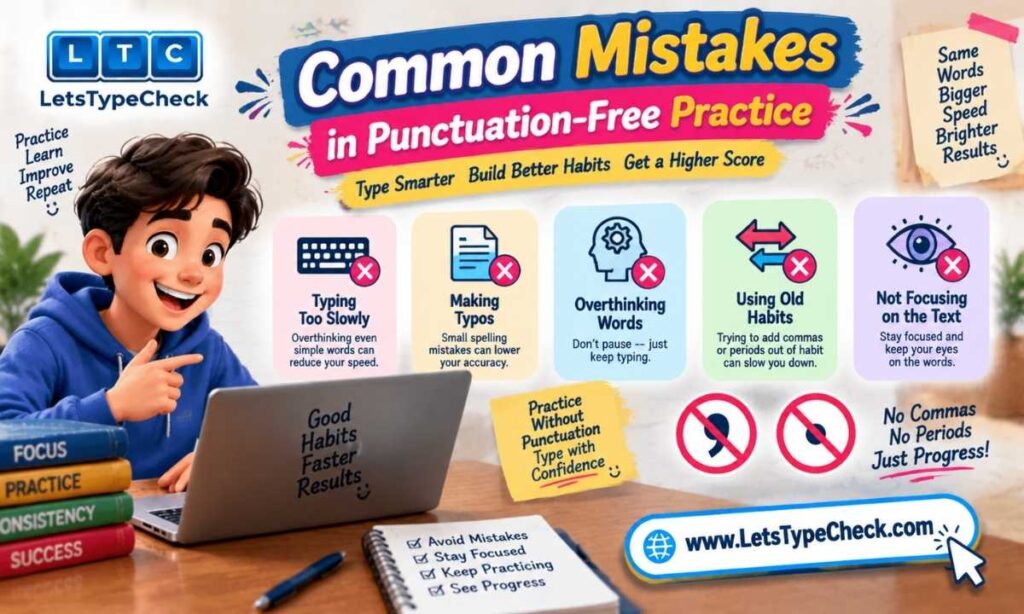
Most problems with plain-text drills come from the format feeling easy.
- Sprinting because the text looks simple, then losing accuracy halfway through
- Glancing down at the keyboard, which plain text makes easier to get away with and therefore harder to unlearn
- Correcting every small typo by reflex, which breaks rhythm more than the typo would have
- Practising only without punctuation, then being surprised by a lower score on a normal test
- Watching WPM and ignoring the count of typing errors sitting next to it
These are the same habits that limit typists generally, and each has a specific fix — the most frequent typing mistakes and how to correct them covers them in more depth.
When to Put Punctuation Back In
Move back to normal text once your plain-text accuracy holds steady across several sessions rather than spiking on one good run. Past that point, the format hides problems instead of revealing them.
A practical split for a single session:
- Warm up on plain words to settle your rhythm — a short 30-second run is enough.
- Take the real measurement on a standard English typing test with full punctuation, and record that score, not the warm-up.
- Once that feels comfortable, move to a harder passage with denser vocabulary rather than a longer one.
That progression keeps punctuation-free typing practice in the role it does best. When you want a number worth recording, run a full timed typing speed test.
Frequently Asked Questions
What is a no punctuation typing test?
It is a timed typing test whose text contains only words and spaces, with all punctuation marks removed. It measures speed and accuracy the same way a standard test does, but on simplified text.
Is typing without punctuation easier?
For most people, yes. Your hands stay within a smaller area of the keyboard, and your fingers never break out of the flow of a word, so the passage moves faster. How much faster varies a great deal from one typist to the next.
What is a good accuracy score on a punctuation-free test?
Aim higher than you would on standard text, since the passage is simpler — roughly 97 percent or better. Falling below that on plain words usually points to pace rather than technique.
Should beginners start without punctuation?
It is a reasonable place to start, since it lets you learn key positions before adding shift combinations. Move to punctuated text once you can type plain words without looking down.
Can I use a no-punctuation score for a job application or exam?
No. Employer screening tests and government typing exams use fully punctuated passages, and several count spacing around punctuation as a scoring rule. Test yourself under those conditions before quoting a number.
How long should a punctuation-free typing test be?
One minute is enough for a quick check of rhythm and pace. Two minutes gives a more reliable figure, because it exposes where concentration and accuracy start to slip.