
When someone tells you they type 60 WPM, they are almost always quoting a 1 minute typing test. The 60-second format is the universal benchmark for typing speed: quick enough to fit into a lunch break, a job interview, or a daily warm-up, yet long enough to produce a number you can quote anywhere and be understood. On LetsTypeCheck, the 1 minute typing test is free, starts the moment you press your first key, and shows your WPM and accuracy instantly with no signup required.
But a 60-second score only becomes useful when you know how to read it. In this guide, you will learn exactly how your WPM and accuracy are calculated, what counts as a good score, why your 1-minute result is almost always higher than your real sustained speed, and the test-day strategy that squeezes the most words out of your sixty seconds.
Why the 1 Minute Typing Test Is the Standard?
Of all the durations available, the 1-minute test has become the default for one simple reason: it balances convenience and reliability better than anything else.
- It is short enough for real-world settings. A candidate can complete it during an interview, a student can fit it between classes, and a professional can use it as a daily warm-up without disrupting work.
- It is long enough to be honest. A 15- or 30-second test can be carried by one lucky burst of easy words. Over a full minute, a hot start gets averaged out and your rhythm has to hold.
- The math is transparent. Words typed in one minute equals words per minute. There is no extrapolation, no multiplication, and no dispute about what the number means.
- It is the historical standard. Decades of recruitment tests, typing courses, and school assessments have standardized on the 60-second format, so your score is directly comparable with published averages.
How to Take the 1 Minute Test on LetsTypeCheck?
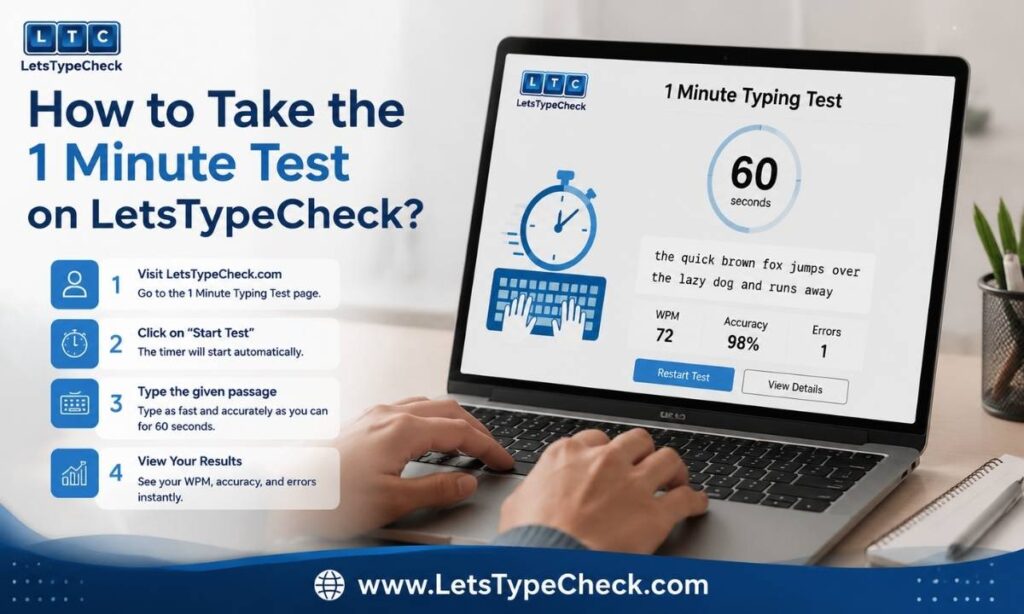
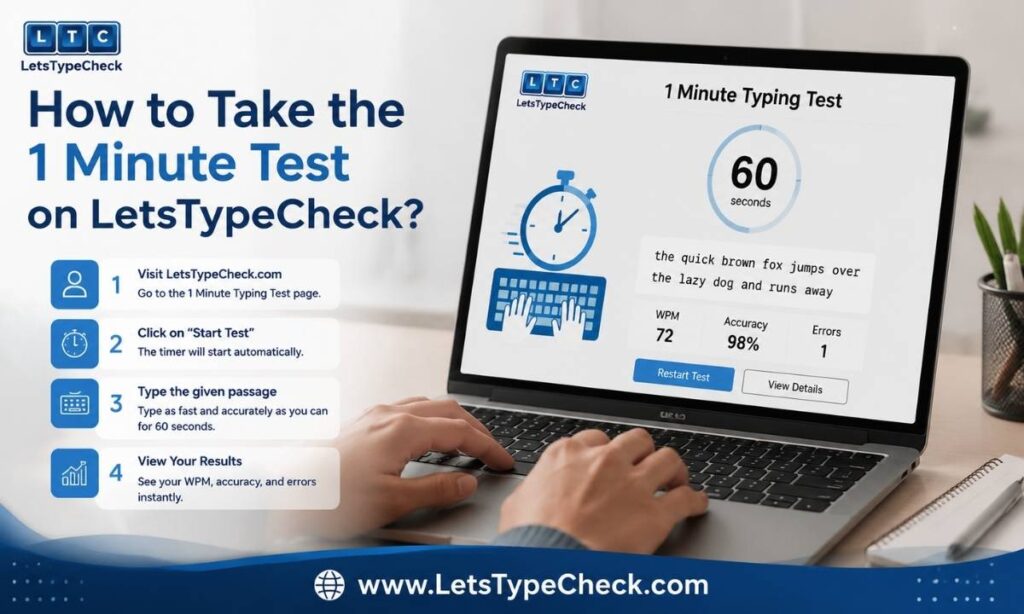
Taking the test is deliberately simple, so nothing gets between you and your true speed:
- Open the test and read the first few words of the passage before touching the keyboard. The timer only starts on your first keystroke.
- Type the text exactly as shown. Correctly typed words are highlighted as you go, and mistakes are flagged in real time so you always know where you stand.
- Keep typing until the 60 seconds run out. Do not stop to admire your progress; the clock never pauses.
- Read your results. You get your WPM, your accuracy percentage, and your error count the instant the timer ends, and you can retake the test as many times as you like.
How Your Score Is Calculated?
Every typing test score comes down to two numbers: speed and accuracy. Here is exactly how each one is produced.
WPM: The 5-Character Rule
WPM stands for words per minute, but the test does not count actual dictionary words. A “word” is standardized as 5 characters, including spaces and punctuation. This keeps scores fair whether the passage is full of short words or long ones. The formula is simple: total correct characters divided by 5, divided by minutes elapsed. In a 1-minute test, if you type 300 correct characters, your score is 300 ÷ 5 = 60 WPM.
Gross WPM vs Net WPM
Gross WPM counts everything you typed, mistakes included. Net WPM subtracts your errors, and it is the number that actually matters. If you type 70 gross WPM but leave 10 mistyped words uncorrected, your net score can fall into the 50s. This is why racing ahead carelessly usually lowers your final score rather than raising it: every error you leave behind is speed you gave back.
Accuracy Percentage
Accuracy is calculated as correct characters divided by total characters typed, multiplied by 100. As a rule of thumb: above 95% is good, above 98% is excellent, and below 90% is a signal to slow down and rebuild clean habits before chasing speed again. Speed built on top of accuracy holds up; speed built on top of errors collapses in longer tests.
WPM vs CPM
Some tests report CPM, or characters per minute, instead. CPM counts every raw character, so it is roughly 5 times your WPM: a 60 WPM typist scores about 300 CPM. A few European employers and some exam bodies use CPM, but employers in the US, UK, Canada, and Australia, along with most Indian government exams, work in WPM, so that is the number worth tracking.
What’s a Good 1 Minute Typing Test Score?
Here is how 1-minute scores break down across skill levels:
- Below 20 WPM: Beginner. You are still learning the keyboard layout, and structured practice will produce fast gains.
- 20–35 WPM: Casual. Typical for hunt-and-peck typists who never learned touch typing; this method caps out around 35 WPM.
- 40 WPM: Average. Roughly the adult average and enough for everyday typing tasks.
- 50–60 WPM: Strong. Comfortably above average and sufficient for most office and administrative work.
- 65–75 WPM: Professional. The range of trained professional typists, transcriptionists, and fast writers.
- 80–100+ WPM: Fast to elite. The top tier; competitive typists live here, and 100+ puts you far above nearly everyone.
For context, scoring just above 40 WPM on a 1-minute test already puts you ahead of about half of all test-takers. And if you are wondering how these numbers map onto specific jobs, ages, and exams, our full guide to what counts as a good typing speed breaks the benchmarks down in detail.
Why Your 1-Minute Score Is Higher Than Your Real Speed?
Here is the honest truth most typing sites skip: your 1-minute score is a measure of burst speed, not working speed. For most typists, a 1-minute result runs 10 to 20 WPM higher than their sustained 5-minute speed. Over sixty seconds you can hold peak focus, perfect posture, and maximum intensity. Over five or ten minutes, fatigue creeps in, attention drifts, and error rates climb.
This is exactly why employers and government exams prefer longer formats: they need to know how fast you type across a full working session, not how fast you can sprint. So use each duration for what it does best:
- 1-minute test: Your daily benchmark, your warm-up, and the number for your CV. It is the score everyone recognizes.
- 3-minute test: Reveals your realistic sustained speed once the opening burst fades.
- 5-minute and longer tests: Simulate exam and employment conditions, where endurance matters as much as raw speed.
How to Score Higher in 60 Seconds?
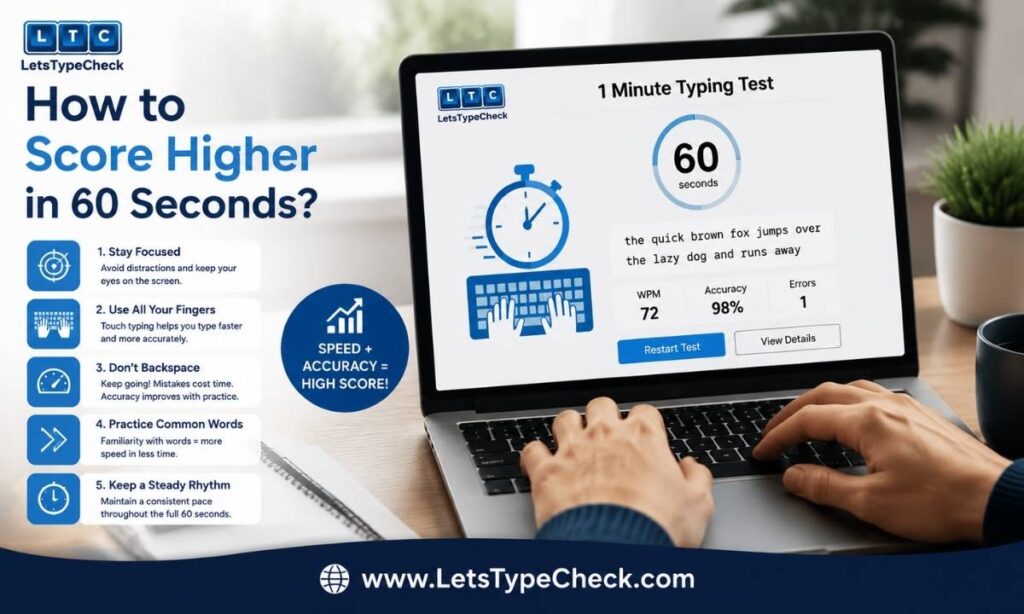
Long-term improvement comes from consistent practice, but on test day, strategy alone can add several WPM to your score:
- Warm up first. Cold fingers reliably produce lower scores. Take one or two throwaway 15- or 30-second runs before your serious attempt.
- Play the minute in two halves. Spend the first 20 seconds settling into a steady rhythm at a controlled pace, then push harder through the final third. Typists who sprint from the first key almost always fade and finish lower.
- Do not over-correct. Fixing every error instantly can cost more time than it saves. Correct quick slips, but let a rare deep mistake go rather than backspacing through half a sentence.
- Keep accuracy above 95%. Every uncorrected error subtracts from your net WPM, so a clean 55 beats a sloppy 65.
- Set up properly. Sit upright, keep your wrists floating rather than planted, and anchor your fingers on the home row (ASDF and JKL;). Small ergonomic fixes prevent the late-test slowdown.
If your score has plateaued and you want a structured path to permanently higher speed, our step-by-step guide on how to type faster covers the ten techniques that actually move the number.
1 Minute Typing Test for Exams and Jobs
Government Exam Preparation
For candidates preparing for SSC CHSL, SSC CGL, CPCT, RRB NTPC, and state-level clerical exams, the 1-minute test is the ideal daily drill, but it is only the starting point. The real exams run far longer: SSC CHSL uses a 10-minute skill test with backspace disabled, SSC CGL demands 8,000 key depressions per hour over 15 minutes, and CPCT requires a minimum of 30 net WPM sustained across 15 minutes. Use the 1-minute format to build raw speed and check daily progress, then graduate to longer tests to build the endurance the actual exam demands.
Employment Typing Tests
Employers screen with typing tests across a wide range of roles, and the thresholds are predictable: data entry positions typically expect 55–70 WPM, administrative and secretarial roles 60–70 WPM, and legal or medical transcription 75–90 WPM with accuracy of 98% or higher. Since most employment tests run 3 to 5 minutes, remember the burst-speed gap: to pass a 60 WPM requirement comfortably, aim for 70–75 WPM on your 1-minute practice runs.
Frequently Asked Questions
Is a 1 minute typing test accurate?
It is accurate as a benchmark of your peak speed, which is what most people mean when they quote a WPM number. For your sustained working speed, confirm the result with a 3- or 5-minute test.
How is WPM calculated in a 1 minute test?
Every 5 characters you type correctly, including spaces and punctuation, counts as one word. Type 300 correct characters in the minute and your score is 60 WPM.
What is a good score on a 1 minute typing test?
Around 40 WPM is average, 60 WPM is strong, and 80+ WPM is fast. Anything above roughly 41 WPM already beats about half of all test-takers.
Why is my 1-minute score higher than my 5-minute score?
One minute measures burst speed at full focus, while five minutes exposes fatigue and drifting attention. A 10–20 WPM gap between the two is completely normal.
Is backspace allowed in a typing test?
On most online tests, including this one, yes, and only uncorrected errors hurt your net score. Some strict exam formats such as SSC CHSL disable backspace entirely, so always check the rules first.
What’s the difference between WPM and CPM?
WPM counts standardized 5-character words per minute, while CPM counts every raw character, making it roughly 5 times higher. Most employers and exams in English-speaking countries use WPM.
How can I improve my 1 minute typing test score?
Practice daily with accuracy above 95% before chasing speed, learn touch typing with proper finger placement, and warm up before serious attempts. Most typists see measurable gains within 2–4 weeks of 15–20 minutes of daily practice.
What’s the fastest typing speed ever recorded?
Barbara Blackburn holds the famous record at over 200 WPM, achieved on a Dvorak keyboard layout. That is roughly three times the speed of an average professional typist.