
If you’ve ever switched from Easy to Hard on a typing test and watched your WPM drop by 10, 15, or even 20 points, you’ve probably wondered whether something’s wrong with the test, or with you. Neither. Difficulty levels are designed to change what your fingers and brain actually have to do mid-sentence, and that shift is exactly why the number on screen moves as much as it does.
This guide breaks down what actually changes between Easy, Medium, and Hard, how much of a WPM drop is normal versus a sign you should dial it back, and when it’s actually worth training on Hard mode even if most of your day-to-day typing is simple.
What Actually Changes Between Easy, Medium, and Hard
The difficulty label isn’t just a vibe — the vocabulary and sentence structure genuinely change as you move up a level, and each shift taxes a slightly different skill.
Vocabulary: Common Words vs. Technical Terms
Easy mode sticks to simple words and common phrases — the kind of everyday vocabulary that shows up constantly in casual writing, which your fingers have typed thousands of times and can produce almost without conscious thought. Medium mixes in moderately complex vocabulary, still familiar but less repetitive. Hard mode brings in technical terms and less common words — vocabulary you may recognize but haven’t typed often enough to have real muscle memory for. Unfamiliar words mean your fingers hesitate slightly on each new letter combination instead of flowing through it the way they do with a word you’ve typed a thousand times before.
Sentence Complexity
This is the other major driver, and it’s arguably the bigger one. Easy mode uses short, simple phrases that are easy to read a few words ahead of where you’re typing, which is part of how experienced typists stay fast — they’re not reading letter by letter, they’re reading in chunks. Hard mode uses genuinely complex sentences, often with more clauses and structure to track, which breaks that read-ahead rhythm. You end up re-reading more often mid-sentence, and that constant re-checking costs more time than most people expect, even when none of the individual words are especially hard to type.
How Much Should Your WPM Drop on Hard Mode
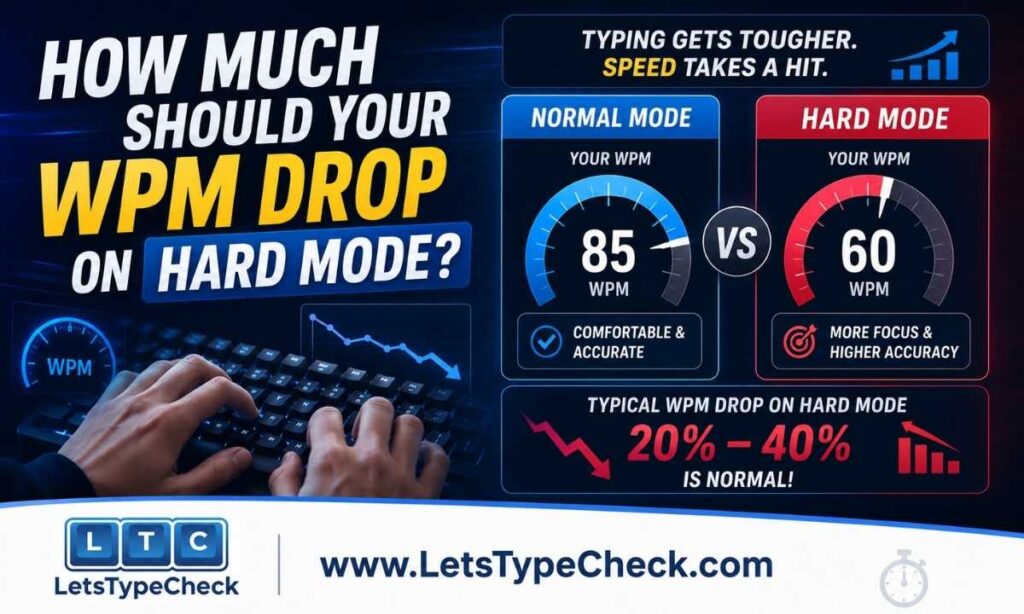
A drop of roughly 10–20% between Easy and Hard is typical and nothing to worry about. If your Easy score sits around 60 WPM, landing somewhere between 48 and 54 on Hard is a completely normal result — that gap is just the cost of the technical vocabulary and more complex sentence structure described above.
A drop closer to 30% or more usually points to one specific weak spot rather than overall skill. The most common culprit is unfamiliar vocabulary specifically — typists who read and type mostly casual, everyday text tend to hesitate noticeably on technical terms they don’t have muscle memory for, even if their overall typing mechanics are solid. If your drop is unusually large, pay attention to whether it’s the harder words themselves or the longer, more complex sentences slowing you down, since that tells you exactly what to practice rather than just “practice more.”
Easy vs. Medium vs. Hard — Which Should You Use
| Difficulty | Best For | What You’re Really Measuring |
| Easy | Quick checks, beginners, tracking raw finger speed | Baseline motor speed with minimal friction |
| Medium | Most real-world writing, general practice | A realistic, everyday typing speed |
| Hard | Exam prep, building margin, catching weak spots | Your floor — how you perform when the text fights back |
When You’re Ready to Move Up a Difficulty Level
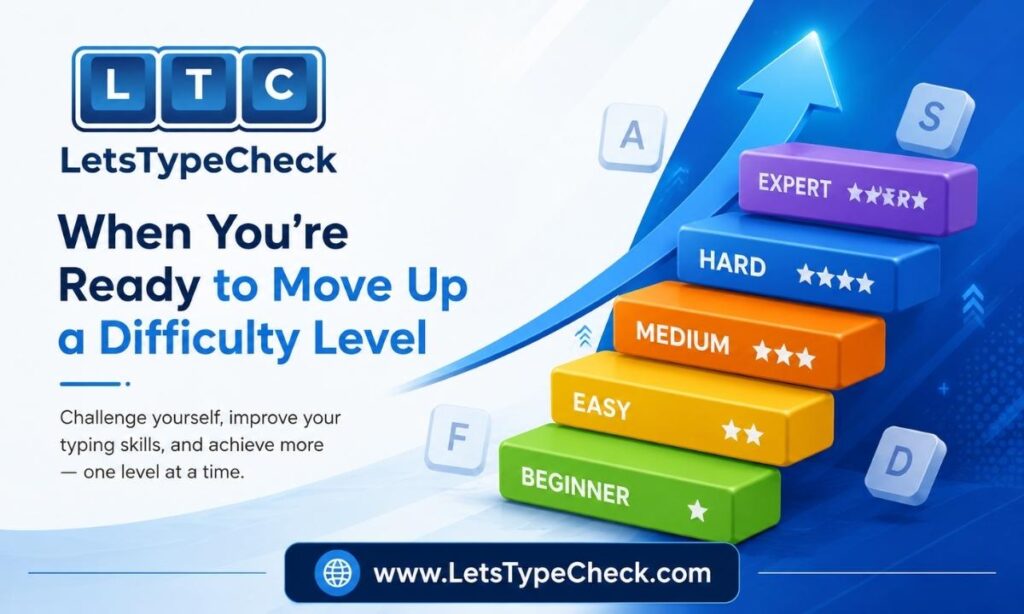
The same logic that applies to moving between test durations applies here: don’t move up just because Easy feels boring. Move up once your current level is genuinely stable — specifically, once you can hold your accuracy above 95% on Easy for several sessions in a row without it feeling like a struggle. If you’re still watching your accuracy dip below that on Easy, staying there a little longer will do more for your real skill than jumping to Hard and fighting through frequent errors.
Once you do move up, expect your WPM to dip again temporarily — that’s the same adjustment period as any skill increase, not a sign you moved up too soon. Give it a week of regular practice at the new level before deciding whether it’s actually too difficult or just still unfamiliar.
Does a Job’s “50 WPM Required” Mean Easy or Hard Text?
This is genuinely ambiguous in most job postings, and it matters more than people realize. Almost all employer-administered typing tests use standard business or general-English text — closer to Medium difficulty than Hard, since real workplace documents contain normal punctuation and capitalization but aren’t deliberately loaded with rare vocabulary the way a Hard-mode test can be. If a posting says “50 WPM required” without specifying the test, assume it means a Medium-difficulty baseline, and treat your Medium score, not your Hard score, as the number that actually reflects whether you clear that bar.
This also means it’s worth testing on Medium specifically before an application or exam, rather than assuming your Easy-mode number is what an employer will see — the gap between the two can be the difference between comfortably clearing a requirement and just barely making it.
Why Practicing on Hard Mode Still Helps, Even for Easy Real-World Typing
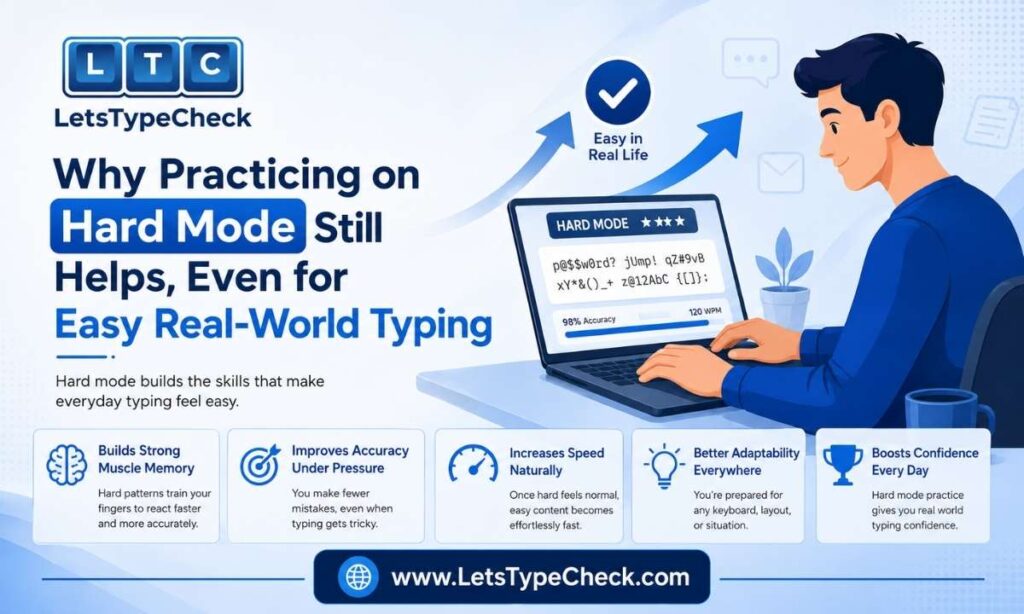
If most of what you type day-to-day is casual — messages, emails, simple documents — it’s fair to wonder whether Hard mode is worth the frustration. It is, for one main reason: margin. Training on text that’s harder than what you’ll actually encounter builds a buffer, so ordinary typing feels noticeably easier and faster by comparison, the same way practicing with ankle weights makes a normal run feel lighter afterward.
It also exam-proofs you against the moments real typing does get harder — a work document full of industry jargon, a report with unfamiliar names or technical terminology, an email that suddenly requires more careful, complex phrasing than your usual messages. If you’ve only ever trained on Easy text, those moments will slow you down far more than they need to. Hard-mode practice is what makes those situations feel routine instead of disruptive.
Frequently Asked Questions
Why is my WPM so much lower on Hard mode?
Hard mode uses technical terms and more complex sentences instead of the simple, common words and phrases Easy mode uses, and both of those slow most people down. A 10–20% drop from your Easy score is completely normal; if the gap is much larger, it usually points to unfamiliar vocabulary specifically being the bottleneck.
Should I always practice on Hard difficulty?
Not necessarily. Hard mode is excellent for building margin and exam-proofing your skills, but Medium is usually a better everyday practice setting since it reflects what most real typing and most employer tests actually look like.
What’s a good WPM on Hard mode?
There’s no universal number, since it depends heavily on your Easy-mode baseline — the more useful benchmark is your own drop-off percentage. A score that’s 10–20% below your typical Easy result on the same test is a solid, healthy Hard-mode performance.
Does typing on Hard mode actually make me faster overall?
Indirectly, yes. It won’t necessarily raise your Easy-mode ceiling by itself, but it trains the specific mechanics — reading around unfamiliar vocabulary, holding focus through more complex sentences — that cause slowdowns in real-world typing, which tends to make your everyday, non-test typing feel smoother.
Do job typing tests use Easy, Medium, or Hard text?
Almost always something closer to Medium — standard business or general-English text with everyday vocabulary, not deliberately technical terms. If you’re prepping for a job or exam typing test, practice on our typing test at Medium difficulty rather than relying on your Easy-mode score.
Conclusion
Difficulty levels aren’t just a harder version of the same test — they isolate different parts of your typing skill, from raw finger speed on Easy to vocabulary recall and reading-ahead on Hard. Knowing what’s actually changing between levels turns a frustrating WPM drop into useful information about exactly what to work on next.
Try all three levels on our own tool to see your personal drop-off pattern, then use whichever level matches what you’re actually preparing for — Medium for real-world and most job tests, Hard for building margin and exam-proofing your weak spots.
Test yourself across all three levels with our free typing test, and once your fundamentals are solid, our guide to typing faster and our WPM benchmarks guide will help you put your score in context.