
Clearing the UPSSSC Junior Assistant written exam is only half the battle. Before your name can appear on the final merit list, you have to clear one more qualifying hurdle: the typing test. Thousands of candidates who score well in the written exam still get knocked out at this stage simply because they didn’t understand the rules, the font requirements, or how the net WPM (words per minute) is actually calculated.
This guide covers everything a Junior Assistant, Junior Clerk, or Assistant Grade-III aspirant needs — the exact speed criteria, the exam pattern, the error and WPM formula, what happens after you clear the test, and a structured practice plan to get you exam-ready. If you’re preparing for more than one government post, our complete guide to typing tests for government exams is a useful companion read for speed benchmarks across exams.
(Note: Vacancy numbers, dates, and minor procedural details change with every UPSSSC advertisement cycle. Always cross-check the latest figures against the official notification on upsssc.gov.in before applying.)
UPSSSC Junior Assistant Typing Test 2026: Quick Overview
| Particular | Details |
| Conducting Body | Uttar Pradesh Subordinate Services Selection Commission (UPSSSC) |
| Posts Covered | Junior Assistant, Junior Clerk, Assistant Grade-III (Level-3) |
| Nature of Test | Qualifying only (not counted in merit) |
| Languages | English and Hindi (both compulsory, same day) |
| Duration | 5 minutes per language |
| Qualifying Speed | 30 WPM English / 25 WPM Hindi |
| Hindi Fonts Allowed | KrutiDev 010 and Mangal (Inscript) |
| Next Stage After Clearing | Document Verification (DV) |
Eligibility Snapshot
While the typing test itself has no separate eligibility criteria beyond speed, it’s worth knowing the baseline eligibility for the Junior Assistant post since only PET-qualified candidates reach the typing stage:
- Age limit: 18 to 40 years (age relaxation as per UP Government rules for reserved categories)
- Educational qualification: Passed Class 12th, along with a CCC (Course on Computer Concepts) certificate from DOEACC/NIELIT or an equivalent recognized institute
- Prerequisite: Must have appeared for and cleared the UPSSSC PET (Preliminary Eligibility Test) for the relevant cycle
- Citizenship: Indian citizen; no cap on number of attempts within the age limit
Where the Typing Test Fits in the Selection Process
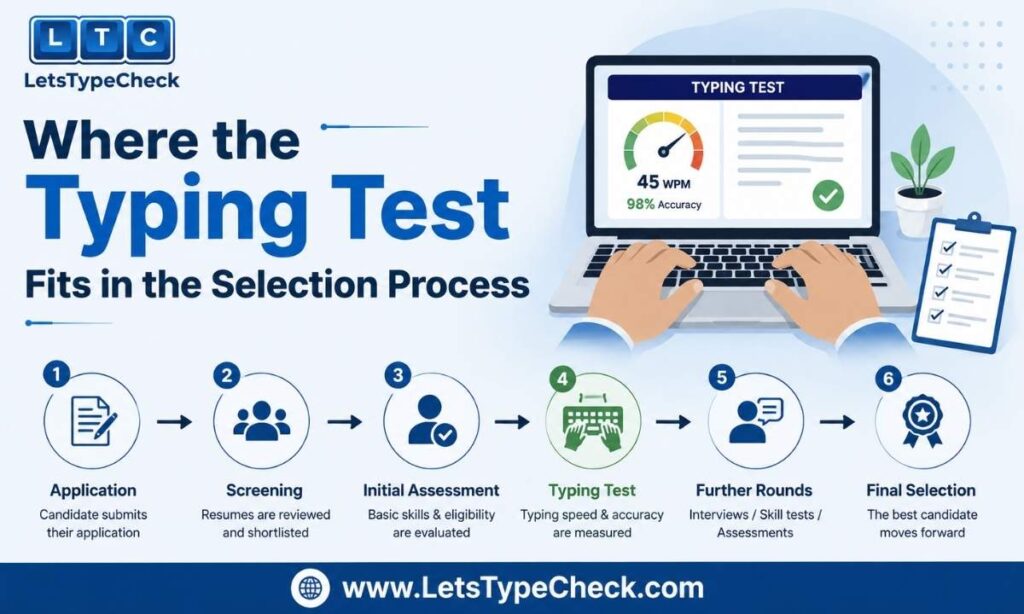
The UPSSSC Junior Assistant recruitment is a multi-stage process, and it helps to see the full picture before focusing on the typing round:
- PET (Preliminary Eligibility Test) — screening stage
- Written (Main) Examination — objective paper, typically 120 minutes
- Typing Test — qualifying stage (this guide’s focus)
- Document Verification (DV)
- Medical Examination
- Final Merit List — based purely on written exam marks (typing test does not add or subtract marks)
Because the typing test doesn’t feed into your final score, many candidates underestimate it — but failing it disqualifies you regardless of how well you scored in the written exam.
Typing Speed & Passing Criteria
- English: Minimum 30 WPM
- Hindi: Minimum 25 WPM
- Duration: 5 minutes for English, 5 minutes for Hindi — conducted back-to-back on the same day, with English attempted first followed by a short interval, then Hindi
- Both languages are compulsory. Unlike some other exams, you cannot choose to skip one language or substitute it — see our breakdown of English typing test vs Hindi typing test if you want to understand how the two skills differ and how to train for both
Exam Pattern and Rules
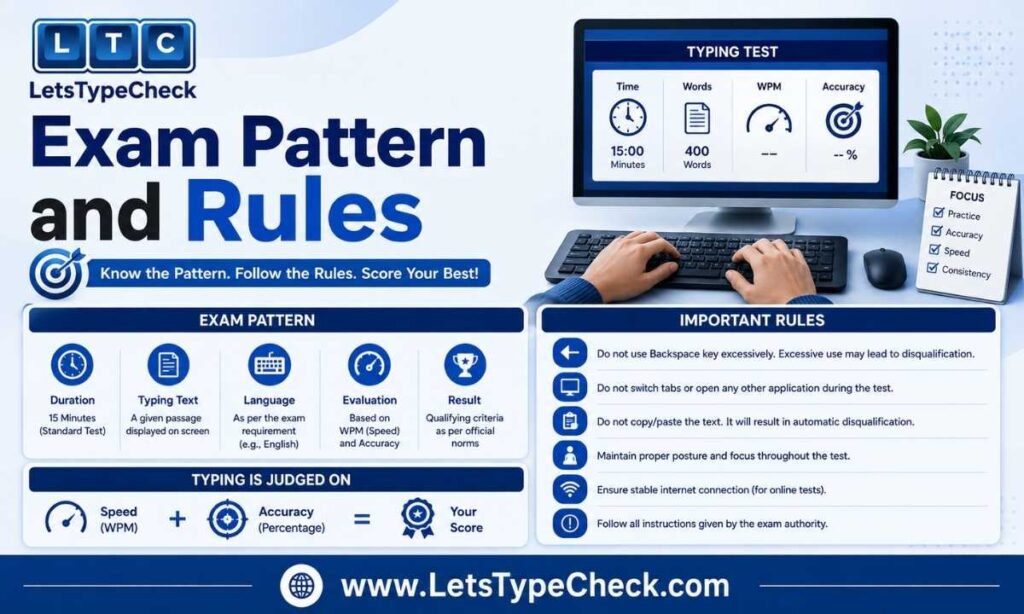
- Test mode: Computer-based, typed directly into exam software (not handwritten or dictated)
- Hindi fonts allowed: KrutiDev 010 and Mangal (Inscript). Mangal Remington Gail layout is not offered — candidates should practice on whichever of the two supported fonts they’re most comfortable with
- Keyboard layout: Standard QWERTY for English; KrutiDev/Inscript-mapped keys for Hindi
- Backspace: Limited use is allowed, but excessive backspacing is restricted — treat corrections as a controlled action, not a safety net
- Prohibited actions: Use of the Ctrl key combinations, copy-paste, and other shortcut-based corrections are disallowed
- Grace period for minor mistakes: A small allowance exists before errors start counting against your speed (see the formula below)
- Disqualification: Candidates who don’t meet the minimum WPM in either language are marked as failed, regardless of performance in the other language
Error Classification & Net WPM Calculation Formula
UPSSSC classifies typing errors into two categories:
- Full mistake: Wrong word, omitted word, extra word, or repeated word
- Half mistake: Spacing errors, capitalization errors, punctuation mistakes, incorrect word order
How Net WPM is calculated:
- Count the total number of words typed in the given time.
- Deduct full mistakes as 1 word each and half mistakes as 0.5 word each from the total.
- Divide the resulting (net) word count by the test duration in minutes to get your net WPM.
Worked example: If you type 160 words in 5 minutes with 4 full mistakes and 4 half mistakes:
- Total deduction = (4 × 1) + (4 × 0.5) = 6 words
- Net words = 160 − 6 = 154 words
- Net WPM = 154 ÷ 5 = 30.8 WPM (a pass, since the requirement is 30 WPM for English)
Recruitment Advertisement Comparison
UPSSSC has run multiple Junior Assistant recruitment cycles, and vacancy numbers have shifted between the original notification and later revisions. Here’s a snapshot for reference (always confirm current figures on the official site):
| Advertisement | Approx. Vacancies | Notes |
| Advt. No. 08-Exam/2023 | 5,512 (later revised to ~3,284 for the main cycle) | Original notification; typing test held Nov–Dec 2025 |
| Advt. No. 12-Exam/2024 | Additional vacancies | Supplementary cycle to the 2023 advertisement |
The typing speed criteria (30 WPM English / 25 WPM Hindi) and the qualifying nature of the test have remained consistent across cycles.
How UPSSSC’s Typing Rules Compare to Other Government Exams
Candidates preparing for multiple state and central government typing tests often get confused because the rules aren’t the same everywhere. Here’s how UPSSSC Junior Assistant stacks up against a few commonly compared exams:
| Exam | English Speed | Hindi Speed | Duration | Backspace |
| UPSSSC Junior Assistant | 30 WPM | 25 WPM | 5 min each | Limited/restricted use |
| SSC CHSL (LDC/JSA) | 35 WPM | 30 WPM | 10 min | Allowed |
| RRB NTPC | 30 WPM | 25 WPM | 10 min (choose one language) | Disabled entirely |
| DSSSB (LDC/JSA) | 35 WPM | 30 WPM | 10 min | Allowed (but test runs in “blind mode” — no real-time error highlighting) |
For a deeper dive into either exam, see our full guides to the SSC CHSL typing test and the RRB NTPC typing skill test.
The key differences to remember: UPSSSC requires both languages on the same day in a shorter 5-minute window each (versus a single 10-minute window in most other exams), and its backspace policy is stricter than SSC or DSSSB but more lenient than RRB NTPC’s complete lockout.
What Happens If You Don’t Qualify the Typing Test
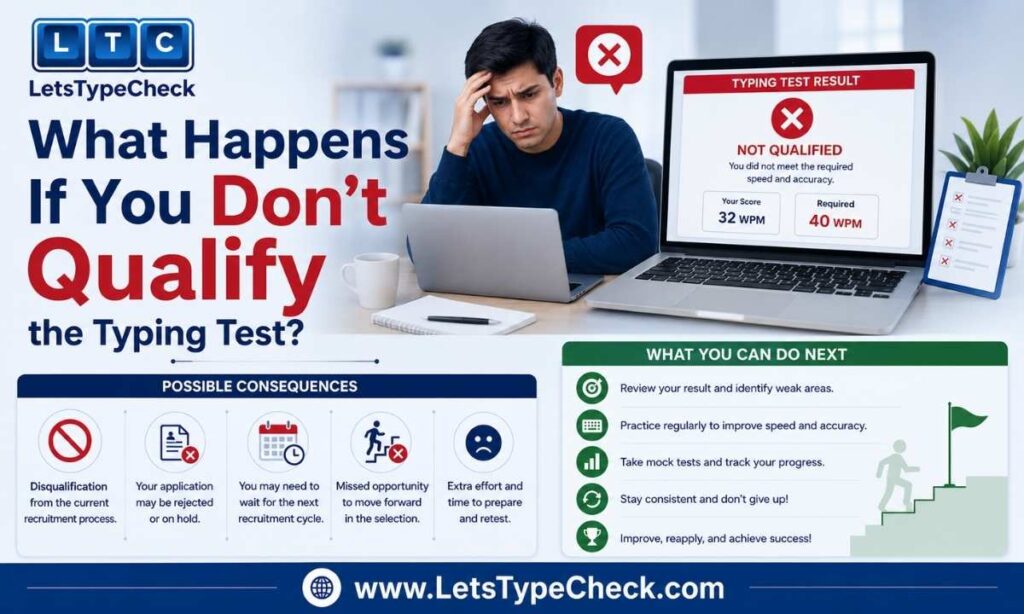
If you fail to meet the minimum WPM in either English or Hindi, you are disqualified from the recruitment process at this stage — irrespective of your written exam score. There is generally no provision for re-evaluation or a retake within the same recruitment cycle, so treat the typing test with the same seriousness as the written exam.
Document Verification After the Typing Test
Once you clear the typing test, you move to Document Verification (DV). Candidates are typically required to carry/upload:
- PET score card
- 10th marksheet
- 12th marksheet
- CCC certificate
- Typing certificate (if applicable)
- Aadhaar card
- Category/EWS certificate (where applicable)
- Passport-size photograph
- Signature specimen
Documents are usually uploaded in scanned format ahead of a specified deadline — check clarity and file size requirements carefully, as unclear scans can lead to rejection.
How to Check Your UPSSSC Junior Assistant Typing Test Result
- Visit the official UPSSSC website (upsssc.gov.in)
- Look for the relevant result/notice link for your advertisement number
- Click on the Junior Assistant typing test result PDF or result-check link
- Enter your registration number and other requested credentials
- View/download your result
- Save a copy for your records before proceeding to the next stage
Common Myths & Misconceptions About the Typing Test
- “Typing marks are added to the merit list.” False — the typing test is purely qualifying; your final rank depends only on written exam marks.
- “You can retake the test if you fail once.” Generally false — there’s no built-in re-attempt within the same cycle.
- “Any Hindi typing font works.” False — only KrutiDev 010 and Mangal (Inscript) are supported; practicing on an unsupported layout wastes preparation time.
- “Backspace works the same as on RRB or SSC tests.” False — UPSSSC’s restrictions are stricter than SSC/DSSSB and more lenient than RRB, so don’t assume habits from one exam carry over directly.
How to Prepare: 30-Day Practice Plan
Week 1 — Foundation: Focus on accuracy over speed. Practice basic passages daily in both English (QWERTY) and Hindi (pick one font — KrutiDev or Mangal — and stick with it). Target: comfortable, error-free typing at any speed. Our guides on finger placement and how to improve typing accuracy are a good starting point this week.
Week 2 — Building Speed: Start timing yourself on 5-minute passages. Aim to reach 20–22 WPM English and 15–18 WPM Hindi with minimal errors. Introduce common government-exam passage vocabulary. Follow a daily typing practice routine to build consistency.
Week 3 — Exam Simulation: Practice under real exam conditions — 5-minute timed tests, limited backspace use, no copy-paste. Push towards 28–32 WPM English and 23–27 WPM Hindi. Review every test for full vs. half mistakes.
Week 4 — Refinement & Mock Tests: Take full back-to-back English + Hindi mock sessions daily, mimicking the actual same-day sequence. Target a comfortable buffer above the minimum (35 WPM English / 30 WPM Hindi) so exam-day nerves don’t drop you below the cutoff. If you have more time before your exam, our guide on how to reach 60 WPM can help you build a speed cushion well beyond the minimum requirement.
Common Mistakes Candidates Make During Practice
- Practicing only in English and neglecting Hindi typing speed
- Using an unsupported Hindi keyboard layout (e.g., Remington Gail) instead of KrutiDev/Mangal
- Relying heavily on backspace during practice, then struggling when restricted in the real exam
- Not timing practice sessions, so real exam pressure comes as a surprise
- Ignoring half-mistakes (spacing, punctuation) that quietly eat into net WPM
For a full breakdown of these and other slip-ups, see our guide to common typing mistakes and fixes.
Expert Tips for Exam Day
- Arrive early and get comfortable with the exam center’s keyboard before the test starts, if allowed
- Don’t rush the first line — a calm, steady start reduces early mistakes that are hard to recover from
- Use backspace sparingly and only for genuine errors, not habitual double-checking
- Keep an eye on the timer without staring at it constantly — glance every minute or so
- If you finish early, use the remaining time to proofread rather than stopping — some platforms allow you to continue reviewing
- Sit correctly and keep your wrists neutral — our keyboard posture and ergonomics guide covers the setup that keeps speed and accuracy consistent over a full 5-minute test
Free Practice Tool
Use a UPSSSC-pattern typing simulator that replicates the actual exam interface — same 5-minute timer, KrutiDev/Mangal font switching, and net WPM calculation — so your practice numbers reflect what you’ll see on exam day rather than a generic typing test. You can check your baseline WPM and accuracy right now with our free online typing test before moving on to exam-specific passages.
FAQs
Q1. What is the typing speed requirement for the UPSSSC Junior Assistant Typing Test?
30 WPM in English and 25 WPM in Hindi.
Q2. Is the UPSSSC Junior Assistant typing test qualifying or scoring?
It is qualifying in nature — marks from the typing test are not added to the final merit list, which is based solely on the written exam.
Q3. Which keyboard layout/font is used for the Hindi typing test?
KrutiDev 010 and Mangal (Inscript) are supported. Mangal Remington Gail is not available.
Q4. How is typing speed (WPM) calculated in the exam?
Total words typed minus deductions (1 word per full mistake, 0.5 word per half mistake), divided by the test duration in minutes.
Q5. Are both Hindi and English typing tests compulsory?
Yes, both are compulsory and conducted on the same day — you cannot opt for only one language.
Q6. Is backspace allowed in the UPSSSC Junior Assistant typing test?
Limited backspace use is allowed, but excessive use is restricted, and shortcut-based corrections (like Ctrl combinations or copy-paste) are not permitted.
Q7. What happens if I fail the typing test?
You are disqualified from the recruitment process at that stage, regardless of your written exam score, and there is generally no re-evaluation or retake within the same cycle.
Q8. Are typing test marks added to the final merit list?
No. The typing test is purely qualifying; final selection is based on written exam marks.
Q9. What documents are required at the Document Verification stage after the typing test?
Typically PET score card, 10th and 12th marksheets, CCC certificate, typing certificate (if applicable), Aadhaar card, category certificate, photograph, and signature.
Q10. How does the UPSSSC typing test differ from SSC CHSL or RRB NTPC?
UPSSSC requires both English and Hindi on the same day in 5-minute windows each, with limited backspace. SSC CHSL and DSSSB allow 10 minutes with backspace permitted; RRB NTPC gives 10 minutes but disables backspace entirely and lets you choose only one language.
Q11. What is the best way to prepare for the UPSSSC Junior Assistant typing test?
Follow a structured plan that builds accuracy first, then speed, then full exam-condition simulation (timed, limited backspace, both languages back-to-back) in the final week before the test.
Q12. Can I retype the passage if I finish before time in the UPSSSC typing test?
You can generally use the remaining time to review and correct your typed passage rather than restarting; check the exact interface behavior on the day, as this can vary slightly by cycle.